 RHO-BOTIC
Begin with real signals.
Connect an OpenBCI board, check the channels, and capture EEG alongside optional microphone audio. Raw samples stay preserved with the recording.
Your experience,
in context.
Stargate brings brain signals, guided practice, personal reflections, and synchronized replay together on your Windows computer. Record, review, and explore experiments in one local research studio, with an optional mobile companion for sessions on the go.

Start with the Windows workspace. Browse recording, guided practice, the session archive, and research in the tabs below.
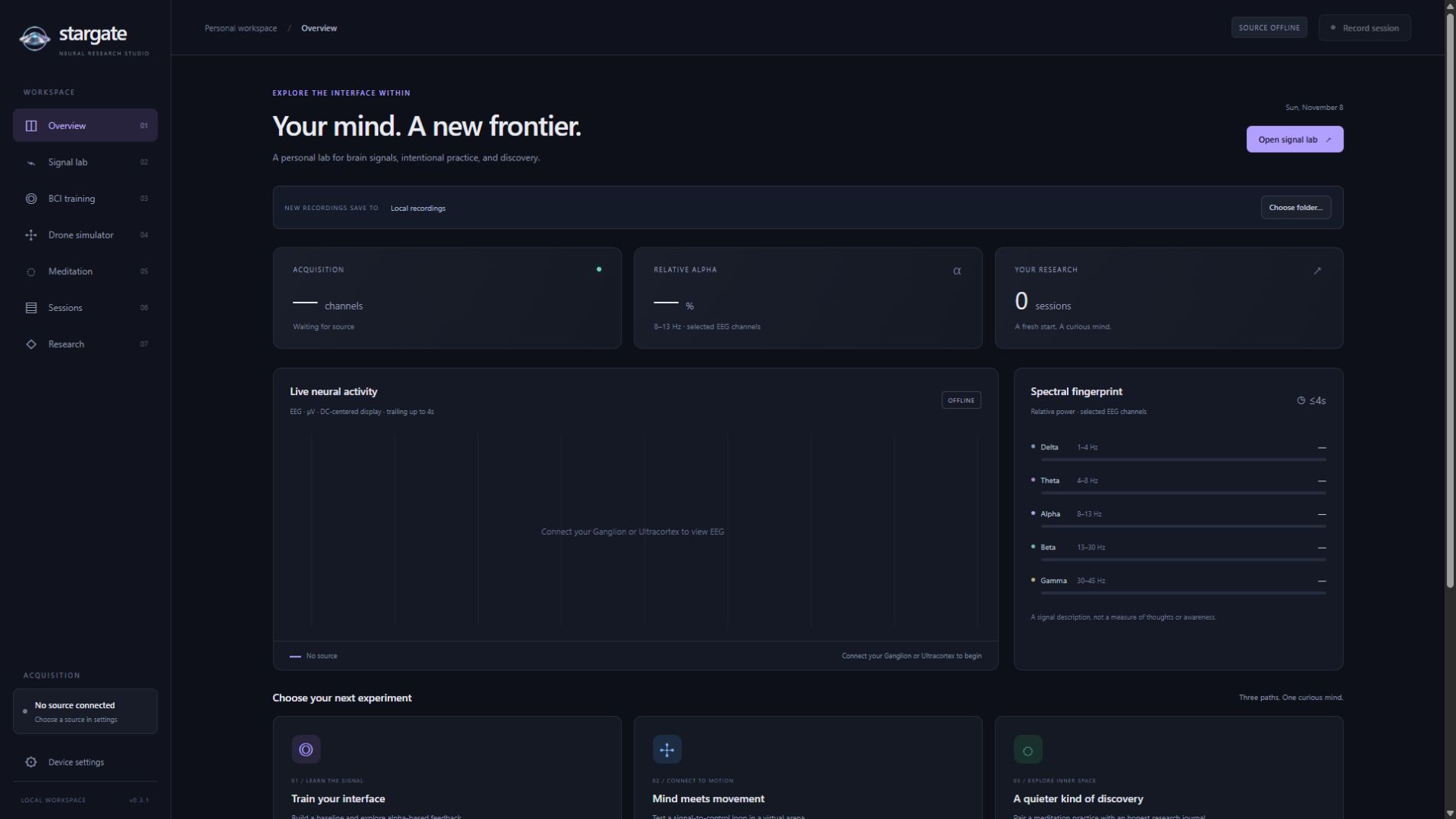
See acquisition status, live channels, and recent sessions in one place. This example is disconnected, so measured values stay empty until a headset connects.
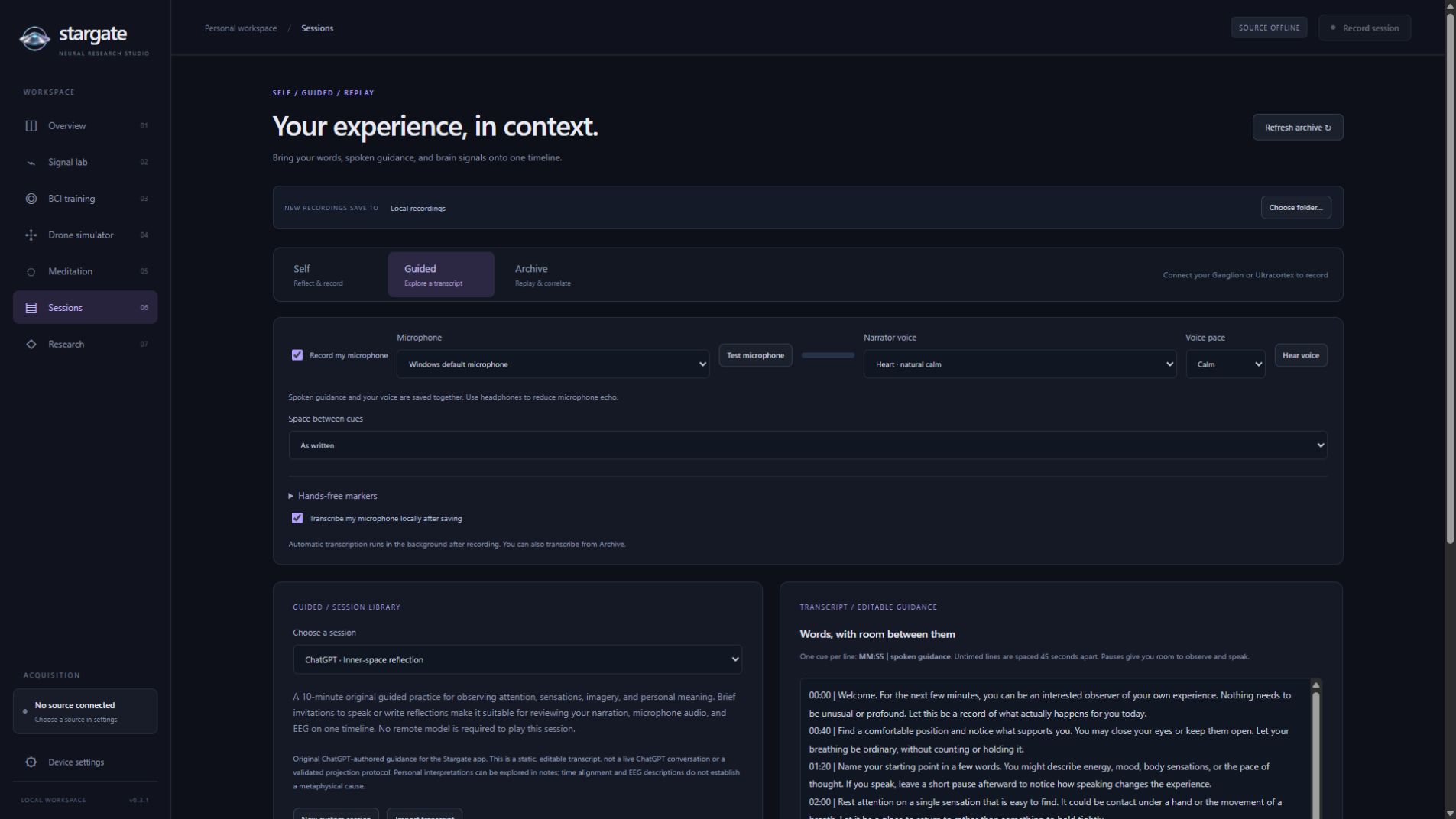
Open Sessions, then Guided. Choose a session or edit a timed transcript, select a narrator, and set the pace before preparing a recording.
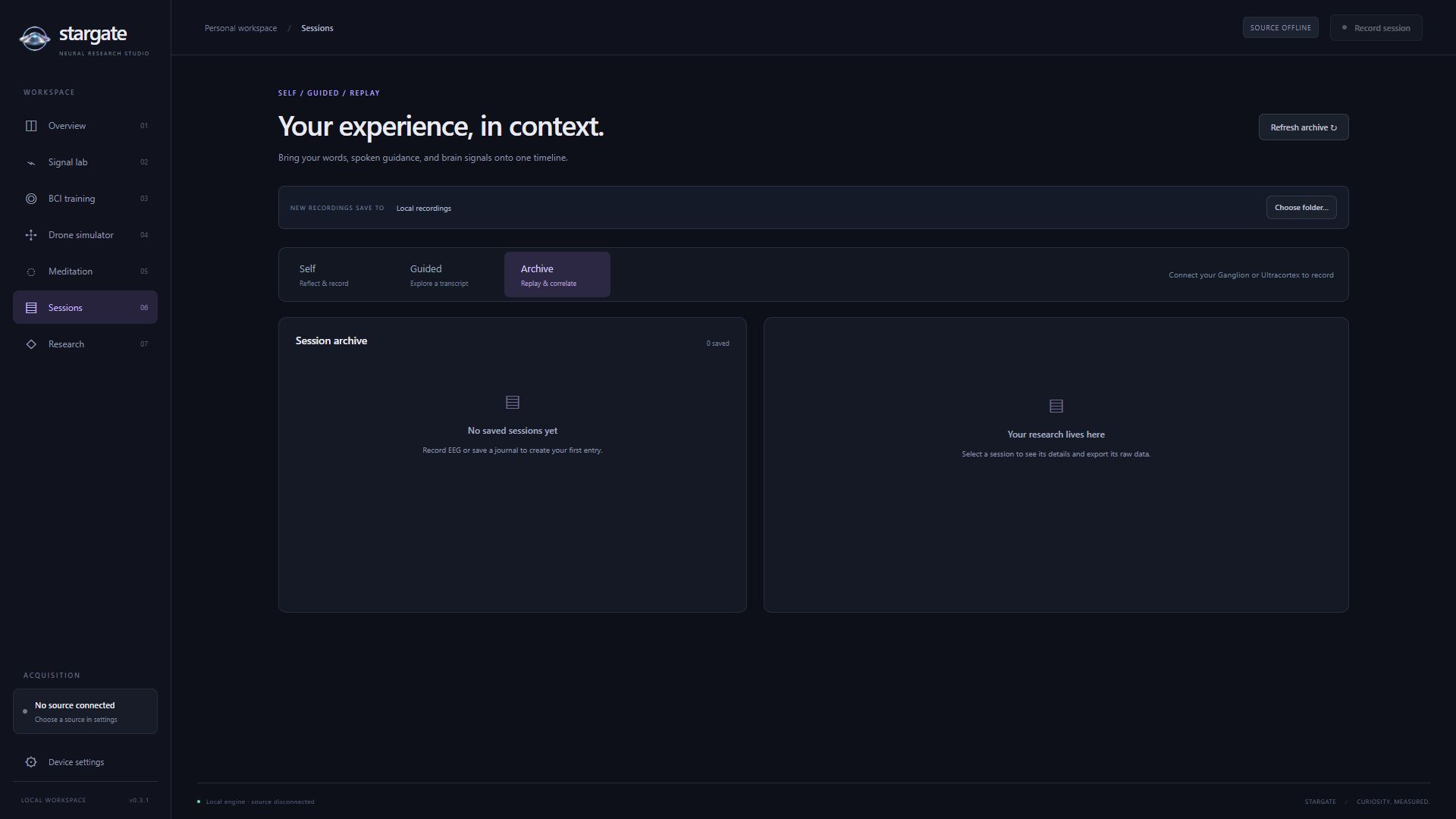
Switch to Archive to open saved sessions and revisit their audio, EEG, and reflections. This clean example has no personal recordings loaded.
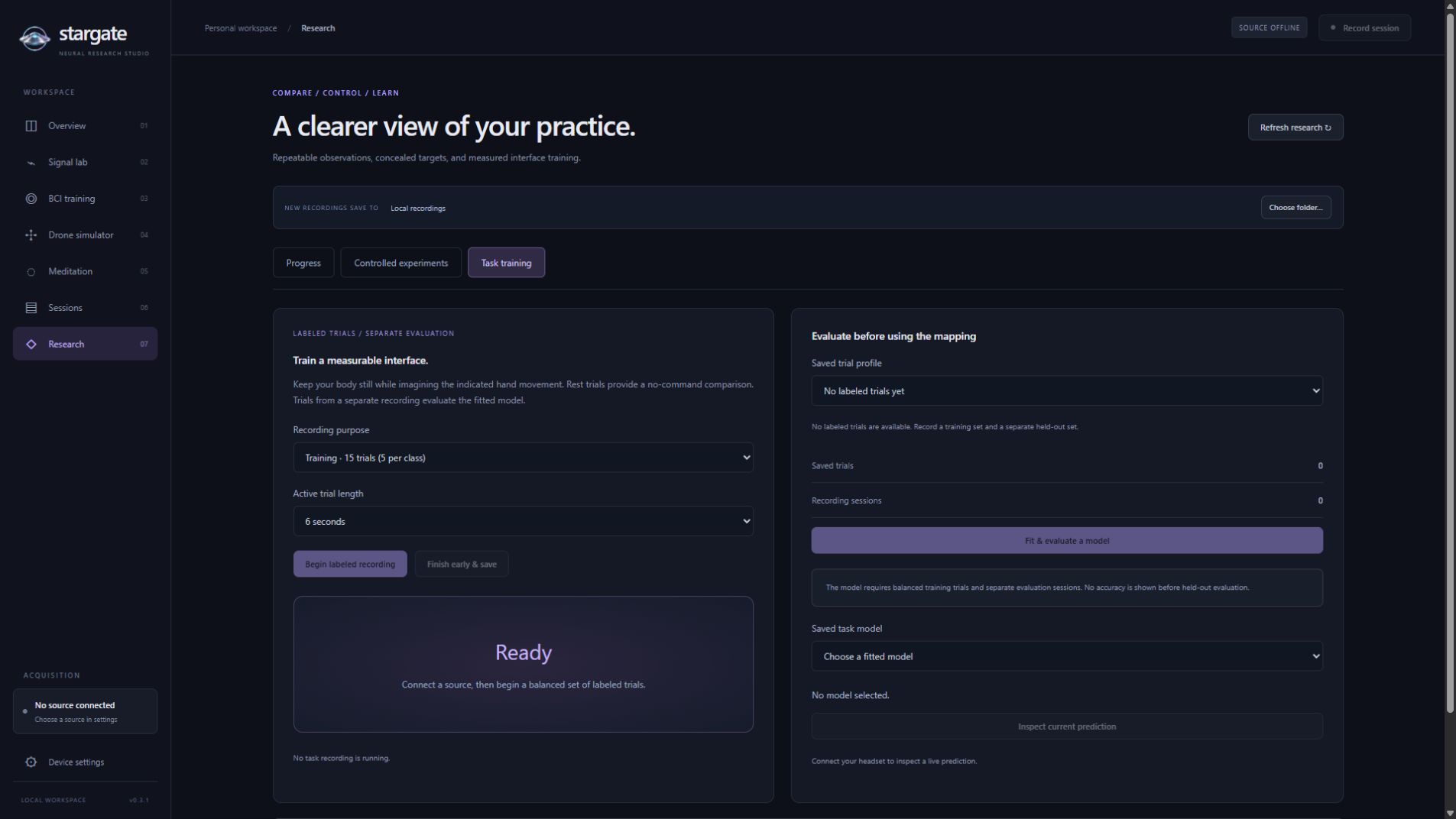
Open Research, then Task training. Keep training and evaluation recordings separate, review saved trial profiles, and inspect results before using a mapping.
Windows app interface · Disconnected example · No live EEG or personal recordings
The computer app is the main workspace for recording, guided practice, detailed review, and research. Keep the signal, the surrounding context, and your own words together.
Connect an OpenBCI board, check the channels, and capture EEG alongside optional microphone audio. Raw samples stay preserved with the recording.
Choose guided practice or work at your own pace. Edit a transcript, select a local narrator, and leave quiet space between cues.
Attach reflections to a precise time, add a shortcut marker, or speak your notes. Keep your reported experience alongside the measurements.
Replay audio and EEG together. Seek through narrated cues, reflections, and locally transcribed words to return to a moment worth examining.
Stargate keeps recordings, transcripts, and reflections local. Narration and transcription run on the computer; optional local AI reviews connect interpretations to timestamped evidence.
The research workspace groups comparable sessions and supports labeled imagined-movement trials with separate training and evaluation recordings. A virtual drone arena provides a bounded place to explore signal-to-control experiments.
The longer-term goal is for the computer app to interface with a Raspberry Pi and control servos, extending Stargate experiments into physical movement.
The desktop workspace for recording, research, and exploring control.
A planned bridge between the computer app and physical hardware.
A future way to explore movement beyond the screen.
Future goalCurrent signal-to-control experiments use the virtual drone arena. Raspberry Pi integration and physical servo control are future milestones.
The Android app adds a convenient option for recording with a Ganglion, following a guide, and capturing notes from your phone. The computer app remains the main research studio.
Connect an OpenBCI Ganglion to view four EEG traces and channel quality. Choose a guided practice with recorded voices, or explore a separate practice mode without a headset.
Add timestamped marks and typed notes, with optional spoken notes through the phone’s speech recognizer. Save sessions to a folder on your phone and revisit their marks and notes.
Mobile is an optional companion for convenient sessions. Detailed synchronized replay, research tools, and Cyton or Cyton + Daisy support belong to the Windows studio. Phone, headset, audio, and screen-off recording checks are still pending on real hardware.
Curiosity, measured.